
If you haven't produced several videos, the process can feel like a black box. How much planning does it really take? How much footage gets shot? Do you need stock footage, a full crew, an AI-generated talent? And what kind of return can you expect?
Before I start any project, I ask five questions:
- Who is your audience, and what do they currently believe about their situation?
- What do you want them to believe instead?
- How do you want them to respond after watching?
- How do we get them from where they are to where you want them to be?
- How do we measure success?
Step 1: Define the Response, Then Build the Concept
Start with the outcome. Are you generating excitement, building buy-in for a new strategy, launching a series, setting the tone for a big announcement, or casting a vision for your organization? You already know the response you're after — my job is to translate it into a concept.
I sit down with your stakeholders, bring one or two creatives from my team, and we build the message into a rough shape. Out of that first conversation comes a short creative description with a few visual concepts — think of it as the napkin sketch for the whole project.
Step 2: Write the Script — Words, Visuals, and Music
The script is the blueprint. It lays out the message, the measure of success, and the visuals, graphics, and music that will carry it — whether the talent is on camera, voice-over, or AI-generated.
Some clients want something looser and more improvised. That's fine, but in my experience, writing out the key messages and phrases up front — AI-assisted or not — makes everything downstream easier. It tells us exactly what footage we need, what the talent should say, which locations and b-roll support the story, and where a drone shot or gimbal move will earn its "wow." All of that gets decided before a single frame is shot.
Music deserves its own callout: I treat it as 50% of the production. The right track sets the tone for everything else. On a recent project, I needed music that felt upbeat, youthful, and "make it happen" — I sent that brief to my music specialist in Los Angeles, reviewed roughly 20 candidate tracks, and ranked them to find the best fit. For documentary work, I go further and score it custom with our composer.
Step 3: Shoot or Acquire the Footage
If we're shooting original footage, the core team includes a producer (budget, talent, timeline), a creative director (concept and execution), a writer (the two-column script you approve), and a crew — cinematographers, a drone or gimbal operator, lighting and audio techs, a grip, and a continuity artist to keep wardrobe and shots matching. And, of course, the talent.
If we're sourcing licensed stock — talent, crowds, sports, historical moments, news footage — we spend real time vetting libraries, and every asset is properly licensed. No shortcuts.
Either way, the script removes the guesswork. It's the difference between walking around with a camera hoping to find something, and knowing exactly what you're there to capture. I still leave room for the serendipity that happens on set, but a plan beats no plan every time.
Quick math: how much footage does a 90-second video actually take? At roughly 2 seconds per image (accounting for layered visuals), you need about 45 selected images. But when we shoot original footage, we typically capture 5x what we'll use — the same shot, multiple times — to make sure we have options. A recent project started with 6 hours of raw footage (about 750 shots) and became a 6-minute video built from 120 selects. We didn't use over 600 shots. That's not waste — that's how you end up with only the best moments on screen.
Step 4: Edit and Add Effects
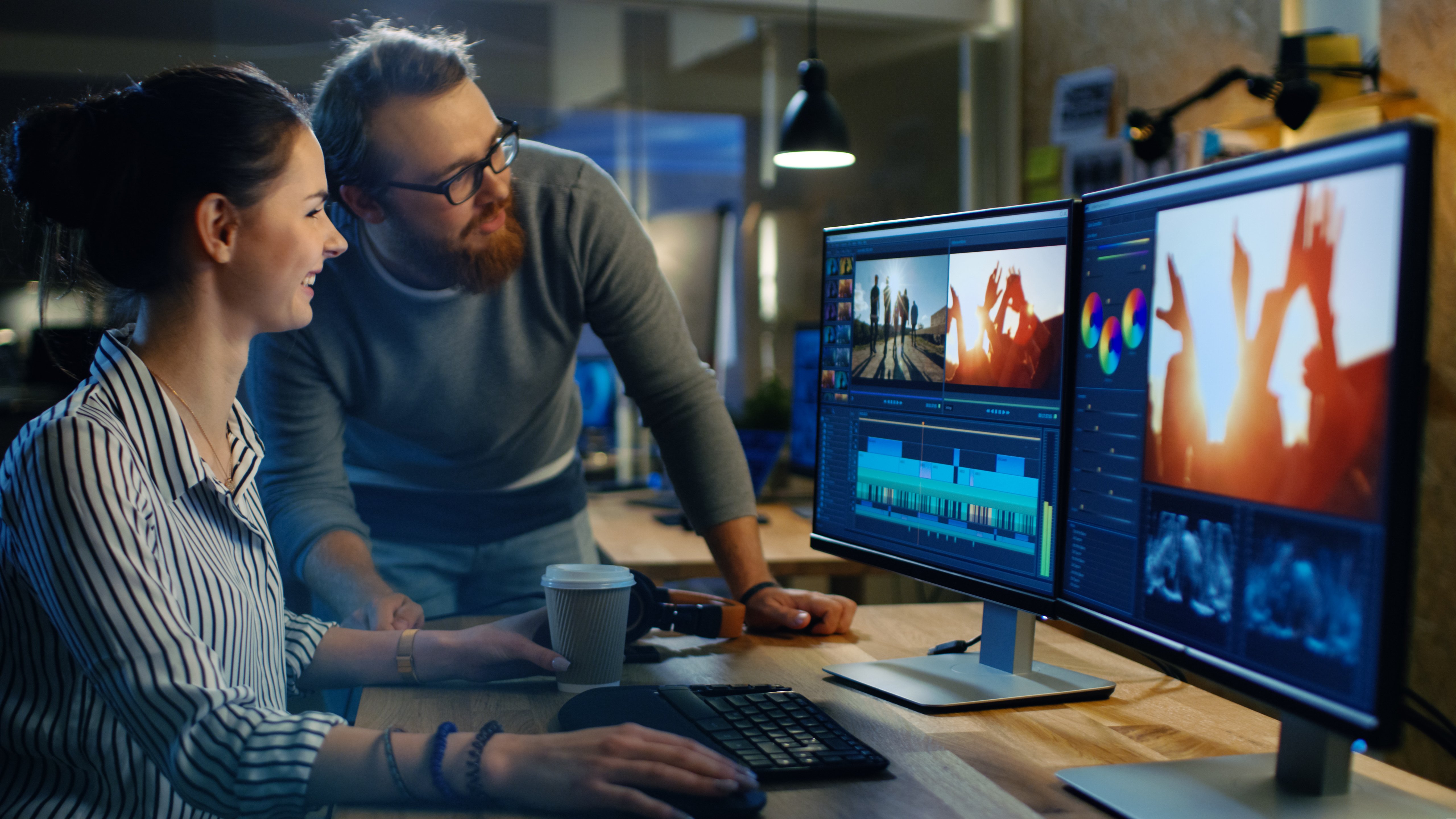
"We'll fix it in post" is a real thing editors say — and it's often true. But like cooking, you get a better result when you start with quality ingredients. Editing is where the story actually comes together: building the timeline, finding the right cuts, correcting color, and locking the visuals to the music.
Step 5: Sweeten the Audio
This is the step people are most tempted to skip — and shouldn't. Audio sweetening mixes the voice-over with the music bed, smooths out levels, and adds polish to graphics and effects, so the final video sounds just as strong on a phone speaker as it does amplified in a general session or ballroom.
Why This Matters for Your Meeting or Website
These five steps aren't just a production checklist — they're what keeps a video on strategy, on budget, and on time, whether it's opening your national sales meeting, kicking off your association's annual conference, or living permanently on your homepage.
If you'd like help planning, scripting, or visualizing a video that moves your audience to act, let's talk. I offer a complimentary one-hour creative session — I'll ask about your intended results and bring back specific creative recommendations (that's Step 1, on me). From there, you decide if you'd like our team to bring it to life.